
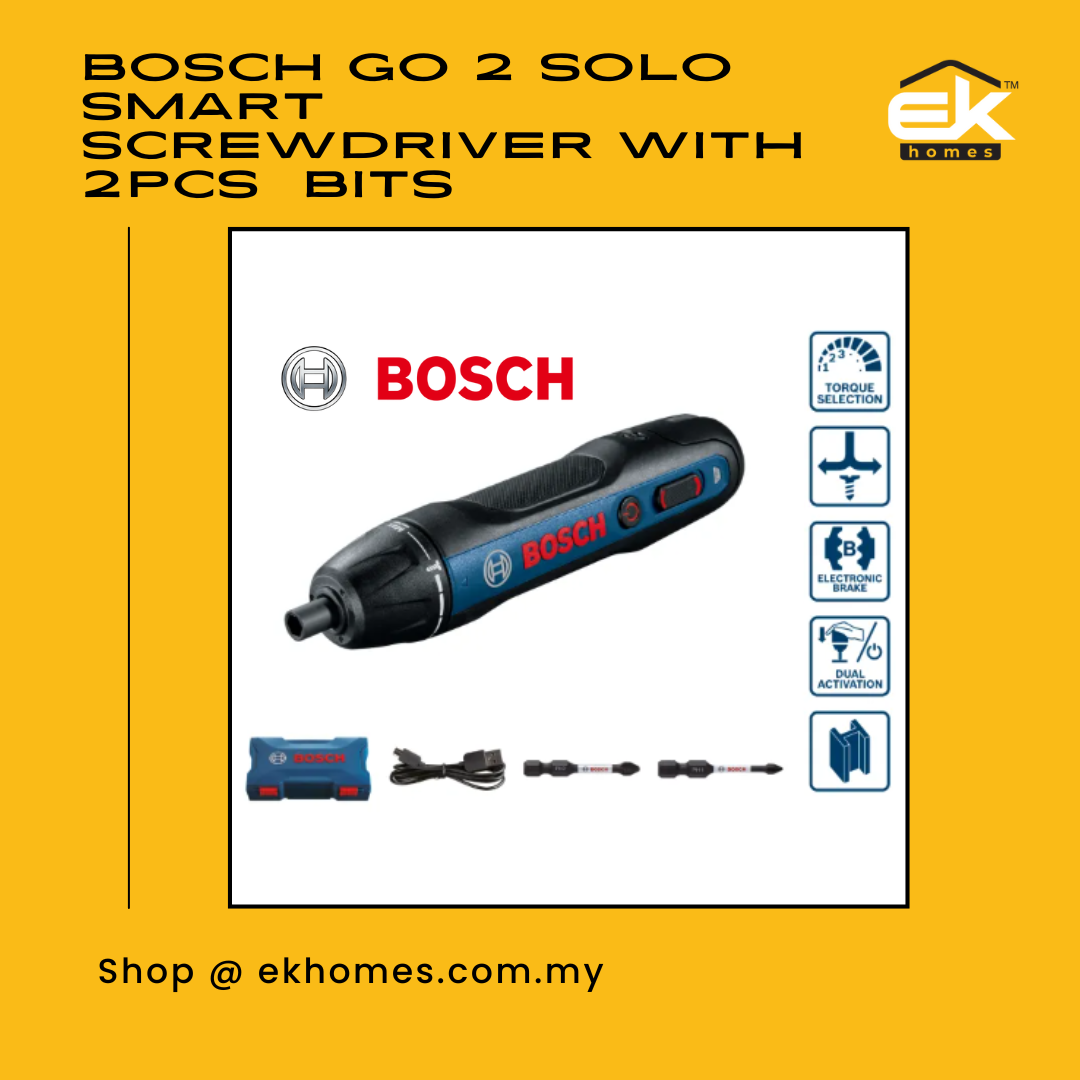
Bosch GO 2 SOLO Smart Screwdriver with 2pcs Screwdriver Bits + Micro USB Cable
Bosch 06019H21L1
RM228.00
PACKAGE INCLUDES:
1.) 1 x BOSCH Go 2 (GEN 2) Solo Smart Screwdriver
2.) 1 x Plastic Box
3.) 1 x Micro USB Cable
4.) 1 x Screwdriver bit PH1 (Order number: 2 608 521 M10)
5.) 1 x Screwdriver bit PH2 (Order number: 2 608 521 M11)
FAQ :
1) How to start the tool?
- Select the direction from F/R switch and push the tool OR Press the button
2) Can this tool use as a manual screw driver?
- Yes, put the F/R switch to neutral position, then the tool can be used as manual screw driver
3) How much screws can be done per charge?
- Approx. 196pcs 3.5x35mm screwing into softwood,
- Approx. 200pcs 3x60mm machines screw into plastic.
4) Where is the charger for the tool?
- All SKU doesn't come with a charger. However you can use your phone USB adaptor to charge the tool with supplied micro-USB cable
5) When should I charge the tool?
- When the battery capacity is below 33%, the charge indicator LED will start to blink during activation. This indicate the tool should be charge.
6) How to know when the tool is fully charge?
- During charging process, the charge indicator LED will blinking continuously. After full charge, the LED will stop blinking and stay ON.
7) What's the charging time?
- 90min for 100%. 60min for 80%
8) Can I use the tool while charging?
- No, the tool won't work once start charging.
9) How is the performance of the tools?
- It is same powerful as previous generation, however is more precise with mechanical clutch now
10) How to select the right torque?
-The torque setting has 5 levels, which shows from small screw to big screw. The tool will start clutching once reach the desired torque. Turn to Max mode for full power.
Note: When set to Max mode, tool won't stop. it will stop only if reach the maximum torque of the tool.